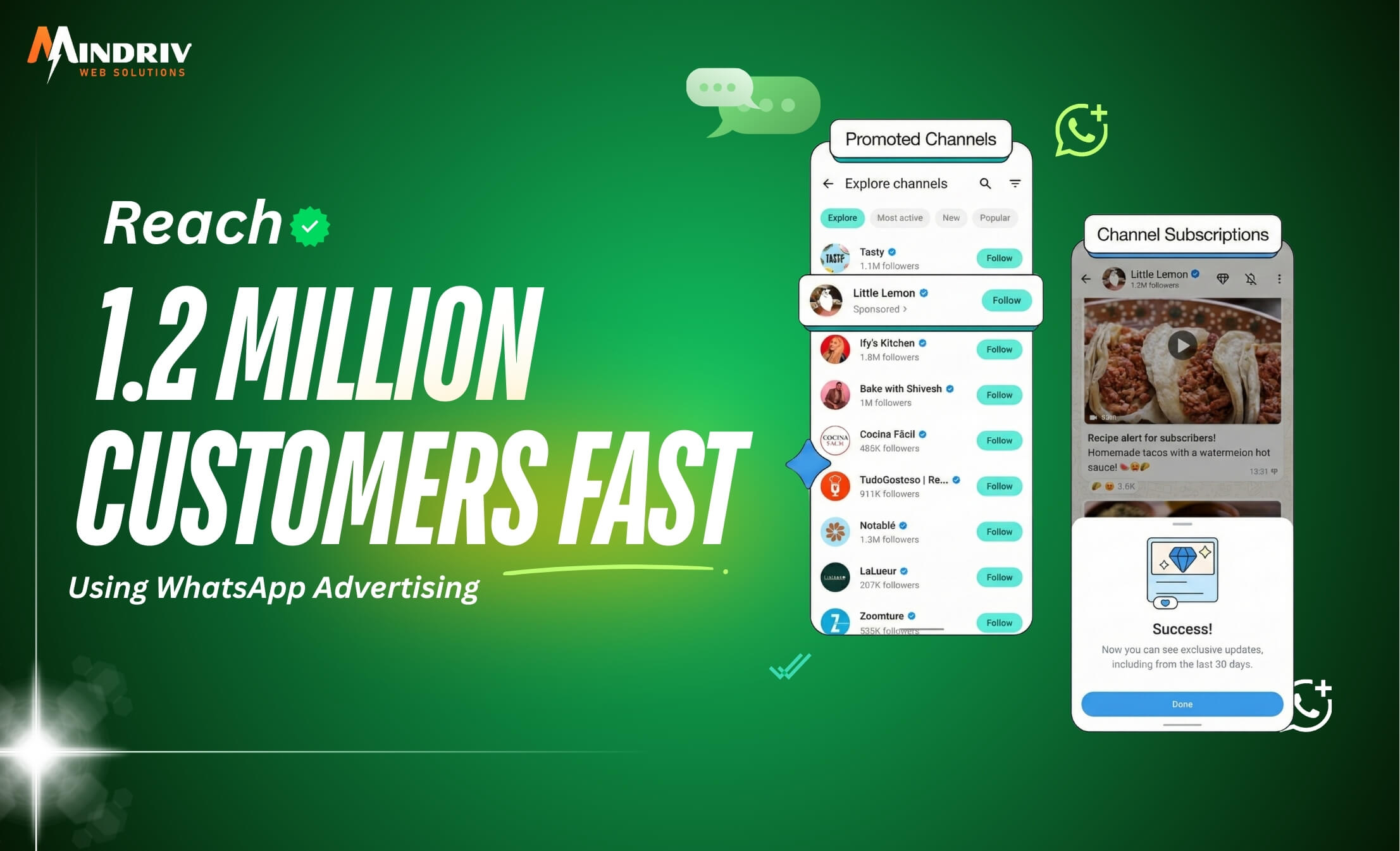
Imagine waking up to 1,000 unread messages. But they aren’t from your friends. They are from people asking about your product. They want to buy. That is the power of WhatsApp Advertising.
We all use WhatsApp. It’s the first app we check in the morning and the last one we see at night. But for business owners, it is an untapped goldmine. While everyone else is fighting for attention in crowded email inboxes, you can slide straight into your customer’s DMs.
If you want to reach customers on WhatsApp and skyrocket your sales, you are in the right place. Let’s break down exactly how to do it.
Why WhatsApp Wins Every Time?
It’s simple math. Emails have an open rate of about 20% if you are lucky. WhatsApp? It has an open rate of 98%.
People trust WhatsApp. It feels personal. It feels urgent. When you get a “ping,” you look. That is why a solid WhatsApp Marketing Strategy beats traditional ads almost every time.
The Secret: App vs. Business API
Before we start running ads, we need to clear up one thing. You can’t just use your personal number to message a million people. You will get banned in five minutes.
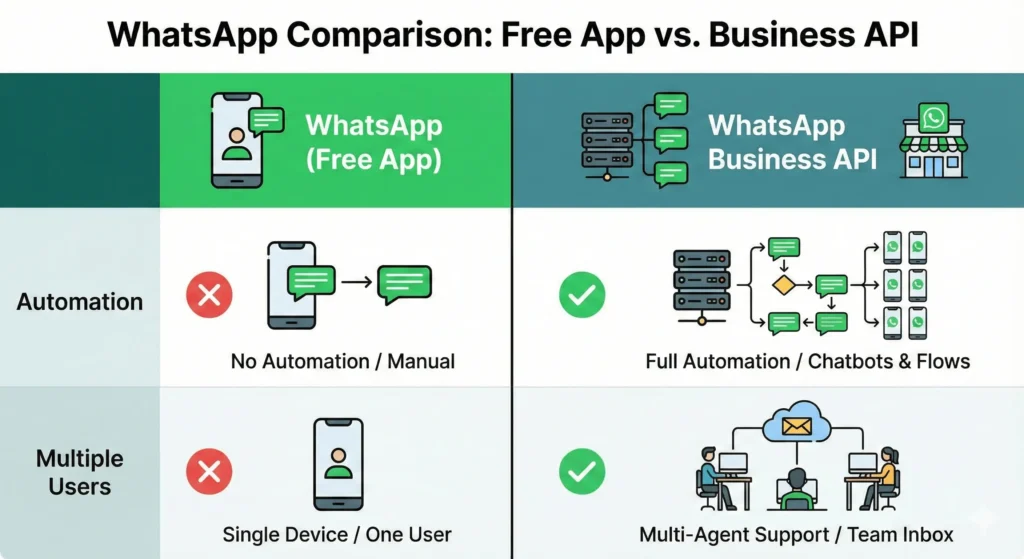
You need to understand the WhatsApp Business API vs App difference.
- WhatsApp Business App: This is free. It’s great for small shops, talking to a few dozen people.
- WhatsApp Business API: This is for the pros. It connects with software to handle thousands of conversations. If you want to use WhatsApp marketing automation and send bulk messages safely, you need the API.
Step-by-Step: How to Run Click to WhatsApp Ads?
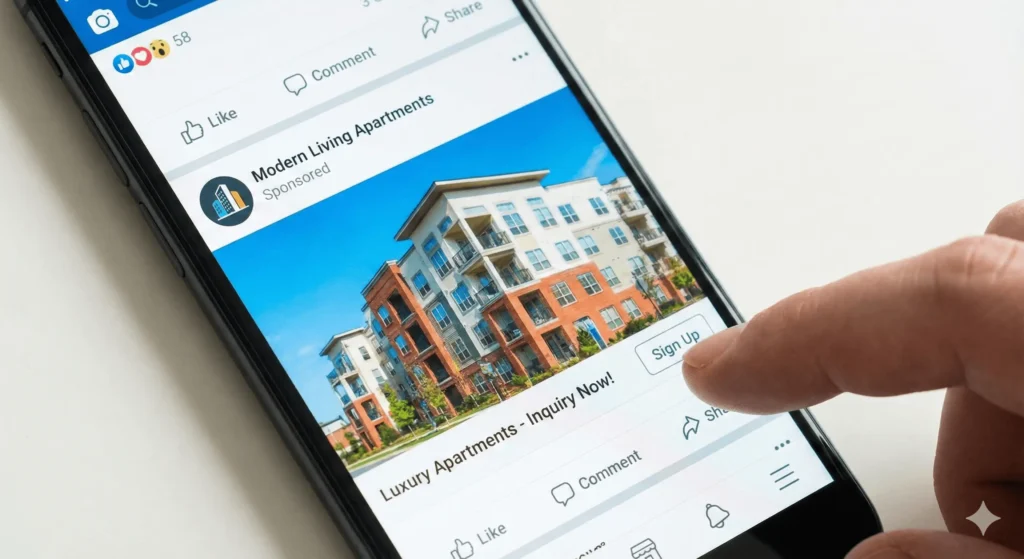
The fastest way to get new eyes on your business is through Facebook and Instagram ads that click straight to a chat. Here is how to create click-to-WhatsApp ads step by step.
Step 1: WhatsApp Business Account Setup
First, download the WhatsApp for Business app. Link it to your Facebook Business Page. Go to your Page Settings, look for “WhatsApp,” and connect your number. If you are going big, sign up with a Business Solution Provider (BSP) to get the API access.
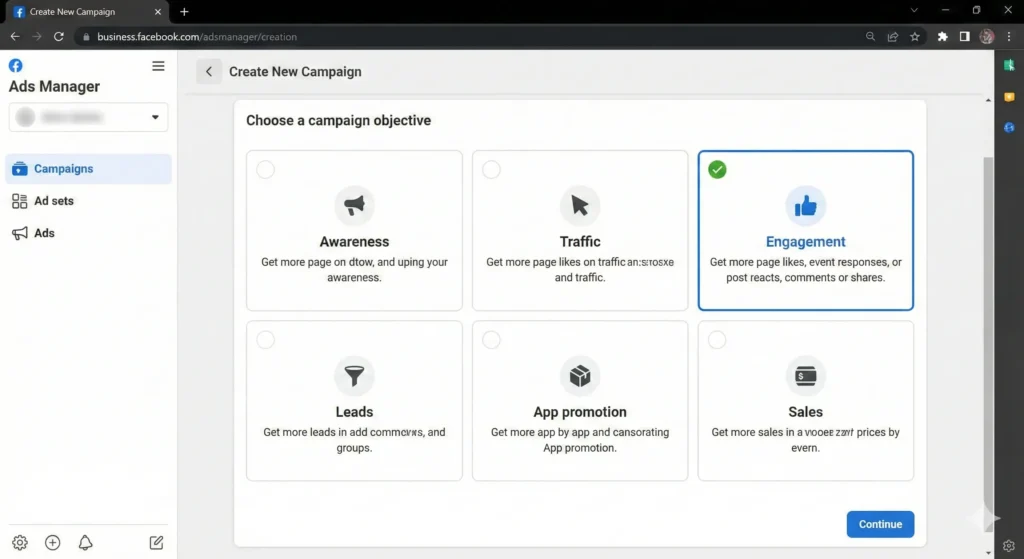
Step 2: Open Facebook Ads Manager
Go to your Ads Manager and click “Create.” Choose the “Engagement” or “Sales” objective.
Step 3: Choose Your Destination
At the Ad Set level, select “Messaging Apps” as your conversion location. Then, check the box for “WhatsApp.”
Step 4: Define Your Audience and Budget
This works just like any other Facebook ad. Pick your location, age, and interests. You might be wondering about WhatsApp advertising cost. It varies, but it is often cheaper than sending people to a landing page because the conversion rate is higher.
Step 5: Create Your Ad Creative
Upload a catchy image or video. In the text, tell them exactly why they should chat with you.
- “Chat for a 50% discount.”
- “Message us for the catalog.”
The Game Changer: Lead Forms in Chat
This is the most important part. You don’t just want to chat. You want leads.
In the past, you had to send people to a website to fill out a form. They usually dropped off. Now, you can do lead generation on WhatsApp directly in the chat.
Here is a quick WhatsApp lead form creation guide:
- In Ads Manager, under “Message Template,” choose “Create New.”
- Select “Lead Generation.”
- Add your questions. Keep it simple. Ask for their Name, Email, or which product they like.
- When they click your ad, a form pops up inside WhatsApp. It fills in their info automatically from their Facebook profile. They just hit “Submit.”
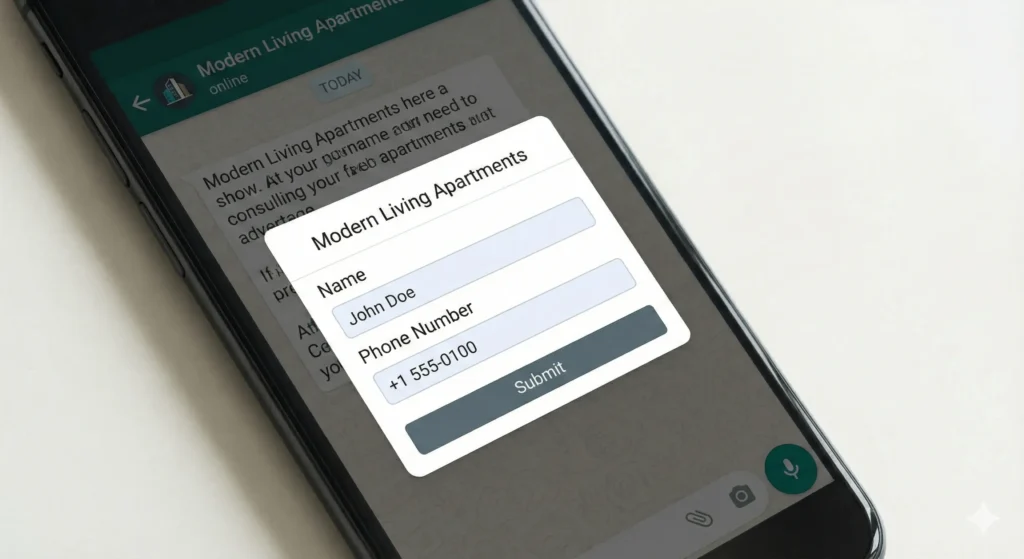
This removes friction. You get the lead instantly, and you can reply immediately to increase sales using WhatsApp business.
Tips and Tricks to Scale
Now that your ads are running, how do you handle 1,000 messages without going crazy?
1. Use WhatsApp Marketing Automation
You cannot type “Hello” 1,200 times. You need WhatsApp broadcast messages and automated flows.
- Set up a “Welcome Message” that replies instantly.
- Use “Quick Replies” for common questions like “What is the price?”
Get the Green Tick
Trust is everything. Try to get your business verified (the Green Tick). It shows customers you are a legitimate brand.
Use the Best Tools
You might need third-party software to manage all these chats. Search for the best WhatsApp marketing tools for 2025 like Wati, Interakt, or AiSensy. These connect with the API to organize your chats like a helpdesk.